Are QR Code Menus Dead? Do Diners Still Want a Printed Menu in 2027?
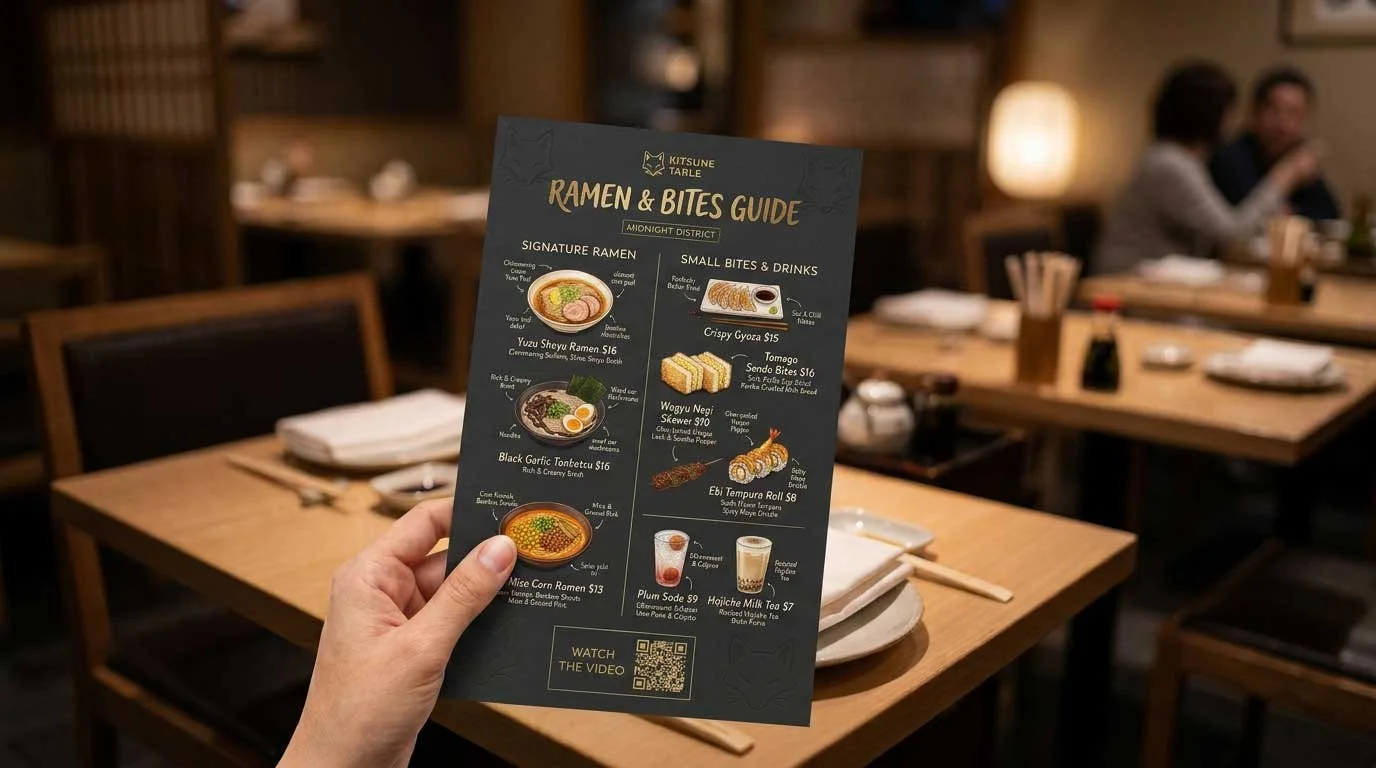
Key Takeaways
QR code menus are not dead in 2027
Printed menus are not dead either
Diners still strongly prefer printed menus even as QR menu use grows
A QR-only menu can create friction and service problems
The best 2027 strategy is printed menus plus optional QR access
Low-quantity reprints help restaurants update menus without over-ordering
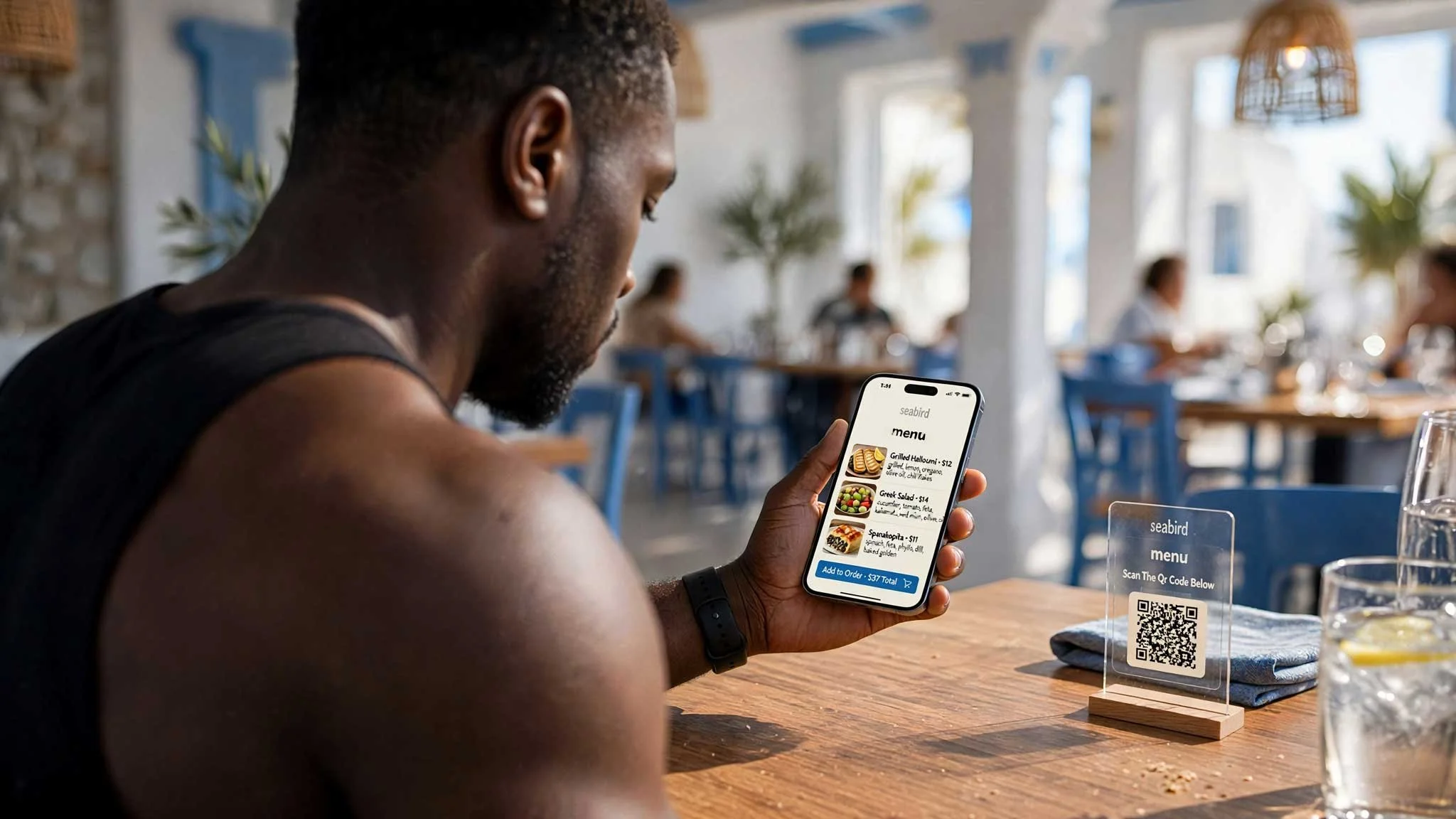
QR code menus are not dead in 2027. Printed menus are not dead either.
For most restaurants, the practical answer is a hybrid menu strategy:
Keep printed menus available
Use a QR code for optional digital access
Update digital information when needed
Reprint physical menus when the design, prices, or offerings change
This approach supports different guest preferences without making the dining experience depend on a phone.
What Diners Prefer: QR Codes or Printed Menus?
QR code menu use became common because it offered fast, contactless access. It also helped restaurants update information without immediately replacing every printed menu.
Usage remains high. Ipsos reported that QR menu use among Americans increased from 42% in 2022 to 65% in 2025.
Preference tells a different story.
In the same Ipsos research, 58% of respondents said they would like to return to paper menus. Only 37% said they liked the digital menu experience generally.
A 2024 US Foods survey of more than 1,000 Americans found that 90% preferred printed menus over QR codes. This preference appeared across age groups, including Gen Z.
The distinction is important:
Diners may use QR codes
Diners may accept QR codes
Diners may still prefer printed menus
For restaurant owners, QR code use should not be treated as proof that guests want a QR-only experience.
Why Printed Menus Still Matter
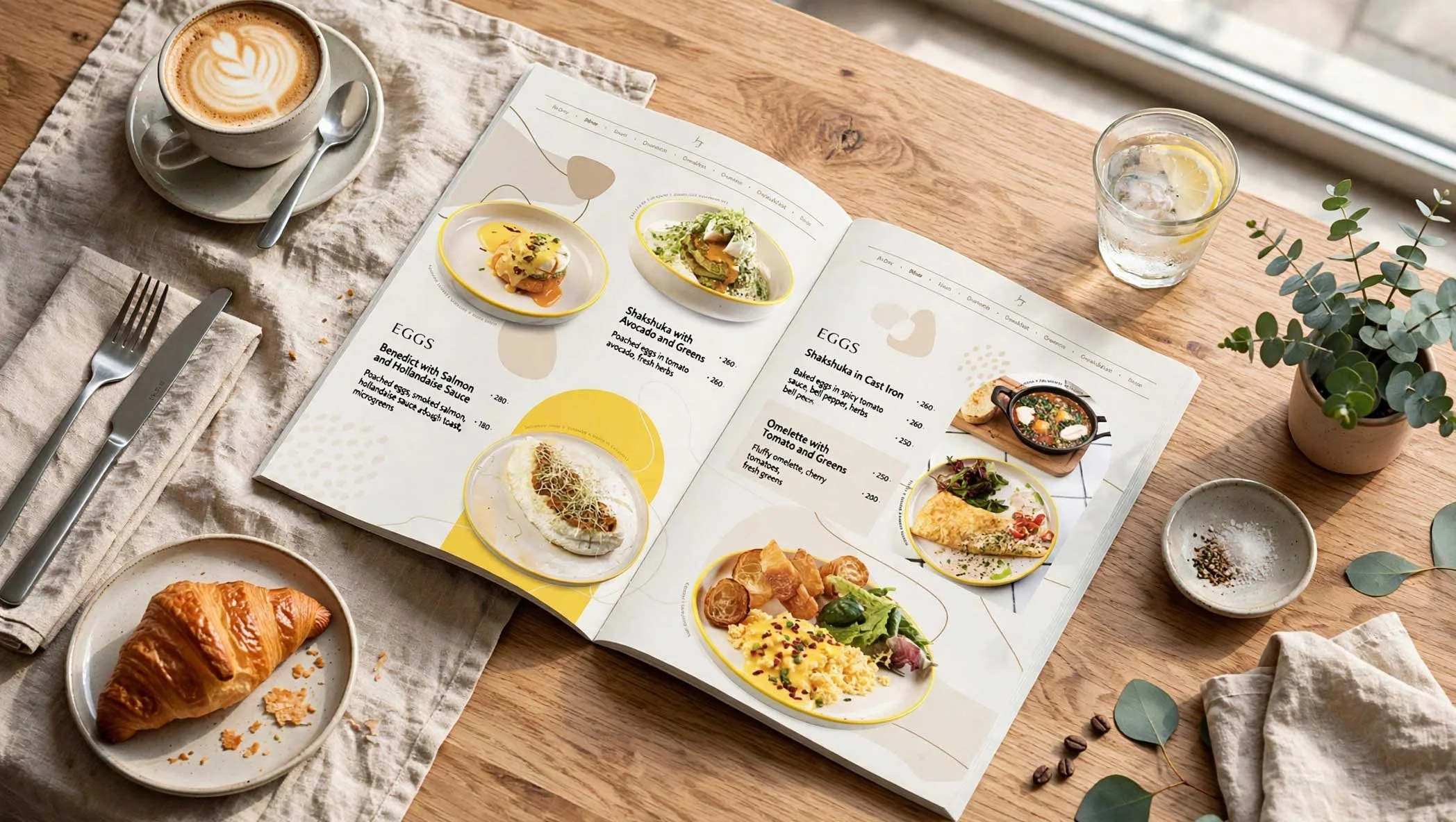
A printed menu supports the basic restaurant experience without requiring additional technology.
Easier Browsing
Printed menus allow guests to compare dishes, prices, and categories at a glance. Several people can view the same menu at the same time.
A phone screen can be smaller. Text may be difficult to read. Bright screens and scrolling can make menu browsing less comfortable.
No Device Required
A guest may have:
A low phone battery
Limited mobile data
A weak internet connection
Difficulty scanning QR codes
An accessibility need
A preference to keep the phone away during a meal
A printed menu removes these barriers.
Better for Groups
One printed menu can be passed around a table. Multiple guests can review the offerings together.
This is useful for families, business meals, large parties, and guests ordering shared dishes.
Supports the Restaurant’s Brand
Menus are part of the physical setting. Paper stock, colors, typography, photography, and layout all contribute to how a restaurant is presented.
A well-designed menu can reinforce the same identity used on:
Signage
Business cards
Takeout materials
Postcards
Table tents
Loyalty cards
Promotional products
Digital menus can extend the brand. Printed menus make the brand visible at the table.
What QR Code Menus Do Well
QR codes remain useful when they add a clear function.
A digital menu can support:
Real-time item availability
Ingredient information
Allergen details
Food photography
Multiple languages
Online ordering
Digital payment
Daily specials
Seasonal updates
Links to reservations or loyalty programs
QR codes are especially practical for restaurants with frequent menu changes or limited table space.
Post Heritage provides a QR code generator with options for web addresses, email addresses, phone numbers, text messages, business cards, and scheduled events.
A restaurant can use a QR code to connect guests to:
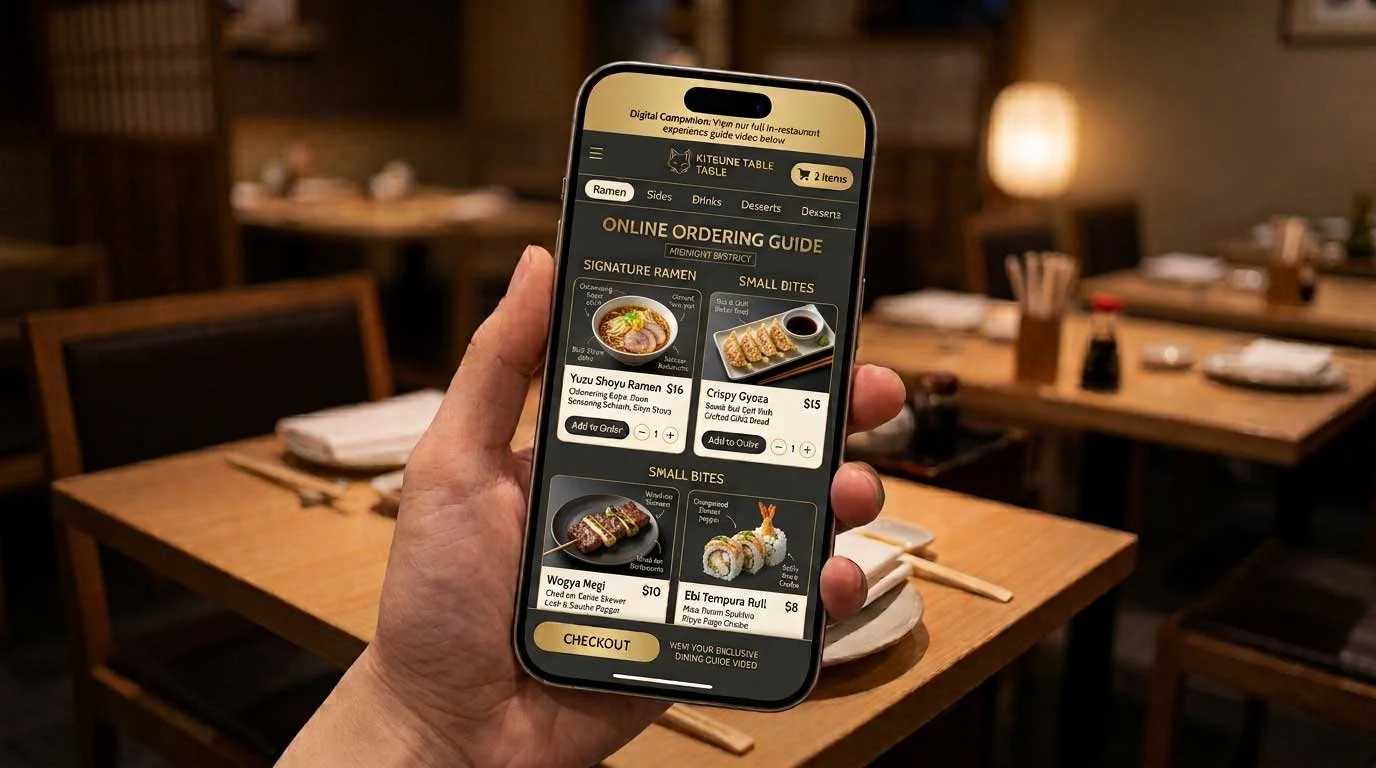
A current digital menu
A catering page
An online ordering system
A reservation form
A review page
A customer loyalty offer
The QR code should support the printed menu. It should not create unnecessary friction.
The Risk of a QR-Only Menu
A QR-only approach may reduce printing costs, but it can also create service problems.
Common issues include:
Slow-loading pages
Broken links
Poor mobile formatting
Small text
Missing item descriptions
Difficult navigation
Unclear scanning instructions
Guests without smartphones
Guests who do not want to use a phone at the table
A QR menu also depends on ongoing maintenance. Prices, ingredients, hours, and availability must remain accurate.
If the code leads to an outdated page, the restaurant loses control of a basic part of the guest experience.
A QR code should be tested regularly. The destination should load quickly on a mobile device. The menu should be readable without excessive scrolling or zooming.
The Best 2027 Strategy: Printed Menus Plus QR Access
A hybrid approach gives restaurant owners flexibility.
Printed menus provide the main browsing experience. QR codes provide additional information and convenience.
A simple table setup may include:
Two or more printed menus at each table
A small QR code on the menu or table tent
A digital menu with current item availability
A separate digital page for ordering or payment
Printed inserts for specials and seasonal items
This setup serves guests who prefer paper and guests who prefer digital access. It also allows restaurants to use each format for its strongest purpose.
Printed Menus vs. QR Code Menus: Which Is Right for Your Restaurant?
Choosing between a printed menu and a QR code menu shapes how customers experience your restaurant from the moment they sit down. Here's how the two options compare across the details that matter most to diners and owners alike:
| Printed Menus | QR Code Menus |
|---|---|
| Main dining experience | Optional digital access |
| Easy group browsing | Fast updates |
| Brand presentation | Photos and filters |
| No battery or internet required | Ordering and payment |
| Useful for all age groups | Ingredient and allergen details |
Key Takeaway: Printed menus still win for brand presence, ease of use, and reliability at the table, while QR code menus add convenience for updates, ordering, and extra details. Most restaurants get the best of both by pairing a well-designed printed menu with a QR code as a digital backup.
How Many Menus Should a Restaurant Print?
There is no single quantity for every restaurant.
The right amount depends on:
Number of tables
Number of seats
Service style
Cleaning procedures
Menu size
Frequency of menu changes
Number of locations
Availability of digital ordering
A full-service restaurant may need several menus per table, plus spares at the host stand.
A smaller café may need a limited number of printed menus for guests who request one.
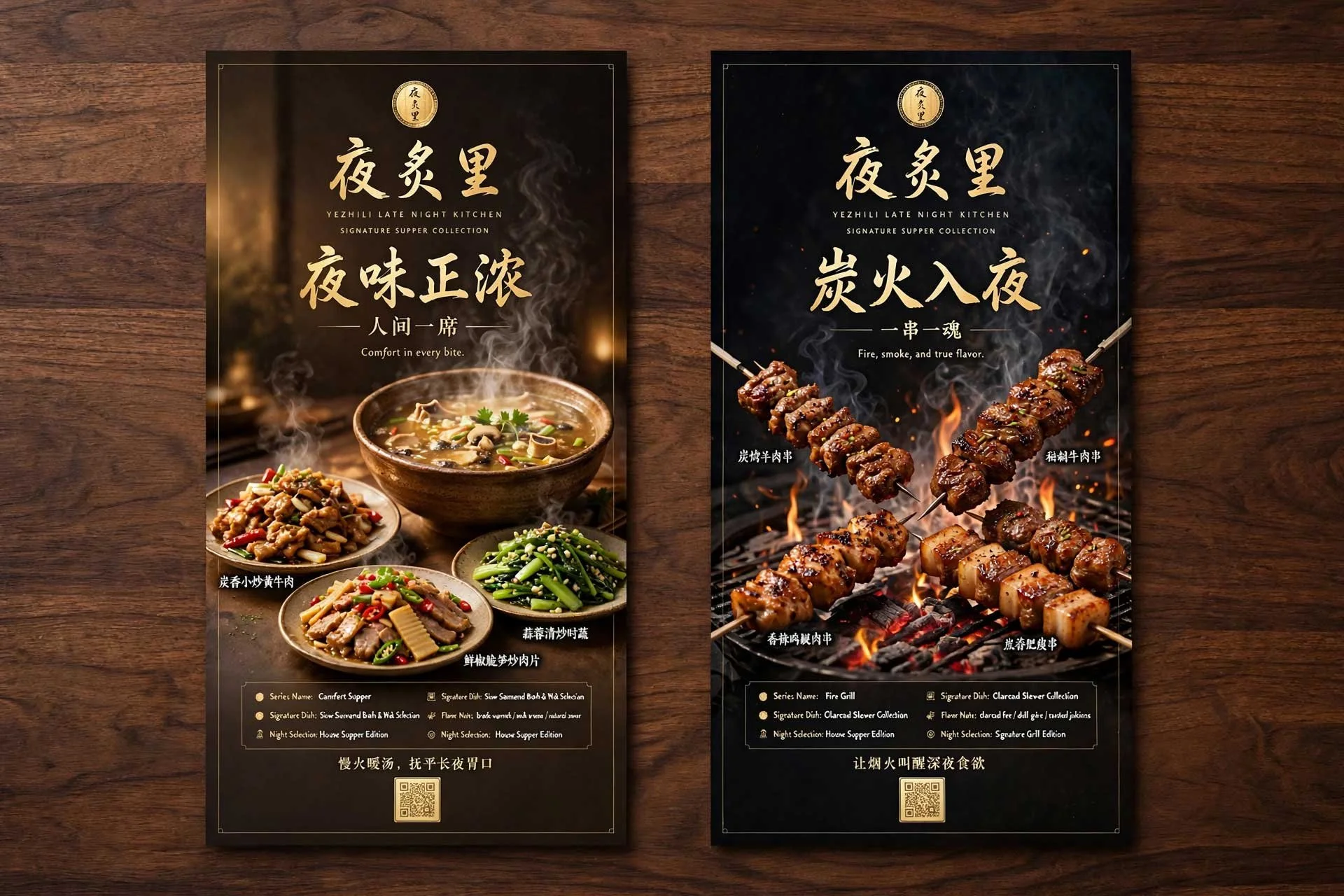
Restaurants can reduce waste by keeping a smaller supply of the main menu and using printed inserts for short-term changes. Beverage lists, lunch specials, dessert menus, and seasonal promotions may be printed separately.
Low-quantity restaurant menu printing is useful when only a small batch is needed. It can also support testing a new design before placing a larger order.
Design Requirements for a Useful Printed Menu
A printed menu should be easy to scan.
Recommended priorities:
Use Clear Type
Text should be large enough to read in normal restaurant lighting. Avoid decorative fonts for menu descriptions and prices.
Create Strong Sections
Separate categories such as:
Starters
Salads
Entrées
Sides
Desserts
Drinks
Children’s meals
Clear sections help guests find information quickly.
Keep Prices Easy to Understand
Prices should be visible and consistent. Avoid layouts that make it difficult to identify which price belongs to which item.
Include Necessary Information
Menu details may include:
Ingredients
Portion sizes
Allergen notices
Vegetarian or vegan indicators
Spice levels
Substitution policies
Service charges or minimums
Choose a Practical Finish
Menu materials should match the restaurant’s service style and handling needs.
Common options include:
Matte paper for reduced glare
Heavier stock for a premium feel
Laminated menus for frequent cleaning
Folded menus for compact layouts
Separate cards for daily or seasonal items
Post Heritage offers printing services for a range of printed materials. Design services are also available for restaurants that need help creating or updating a menu.
When Should Restaurant Menus Be Reprinted?
Menu reprints may be needed when:
Prices change
Ingredients change
Seasonal items are added
A logo or brand identity is updated
A menu becomes damaged
A restaurant opens a new location
A new service or ordering option is introduced
Regulatory or allergen information changes
Small restaurants do not always need a large order. A short run can provide updated menus without creating excess inventory.
Before ordering, confirm:
Final menu dimensions
Page count
Paper stock
Finish
Quantity
File format
Delivery date
Whether the QR code has been tested
Post Heritage provides print specifications and accepts questions through its contact page.
Should a Restaurant Remove Printed Menus in 2027?
For most sit-down restaurants, removing printed menus entirely is not recommended.
Current research shows that QR code use is growing while preference for QR-only menus remains limited. The 2027 operating model should prioritize access and choice.
Keep printed menus available at:
The host stand
Each table
The bar
Private dining areas
Catering events
Outdoor dining areas
Add QR codes where they provide a useful next step.
Final Answer: QR Code Menus Are Not Dead
QR code menus will remain part of restaurant operations in 2027.
They are useful for updates, ordering, payment, photos, and detailed information.
Printed menus remain important because diners still value readability, convenience, group browsing, and a phone-free dining option.
The most reliable approach is simple:
Keep a stack of printed menus at the host stand. Add QR access as an option.
For recurring restaurant menu printing, Post Heritage supports low-quantity orders, transparent pricing, guaranteed turnaround dates, design assistance, and real human support.
Explore printing services or request assistance.